Where checkouts leak, and how to find yours
Around seven in ten online shopping carts are abandoned. Some of that is browsing. A lot of it is fixable.
By the Mahnovas Digital studio. Published
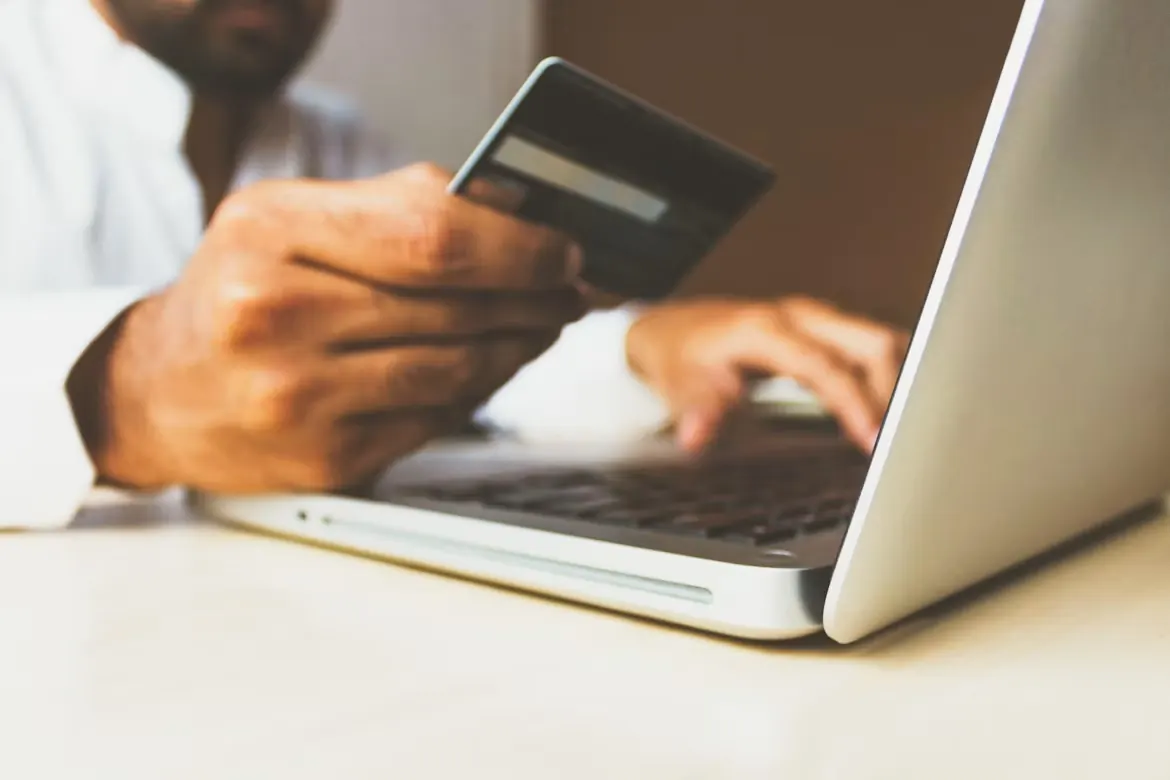
Baymard Institute, which has studied ecommerce usability for many years, calculates an average documented cart abandonment rate of around 70 percent across dozens of studies. Part of that is unavoidable: many shoppers add items to a cart to compare prices or save them for later. But Baymard's surveys also show that a large share of abandonment comes from problems the store itself creates.
The most common reasons
When Baymard asked US shoppers who had abandoned an order during checkout why they did it, setting aside those who were just browsing, the top answers included:
- Extra costs such as shipping, tax and fees were too high (the most common reason, given by 40 percent).
- Delivery was too slow.
- They did not trust the site with their card details.
- The site required them to create an account.
- The checkout was too long or complicated.
- The website had errors or crashed.
- The total order cost was not visible up front.
Read the list again and notice how many items are about information arriving too late or effort that feels unnecessary. These are design problems, and they can be fixed.
How to find the leaks in your store
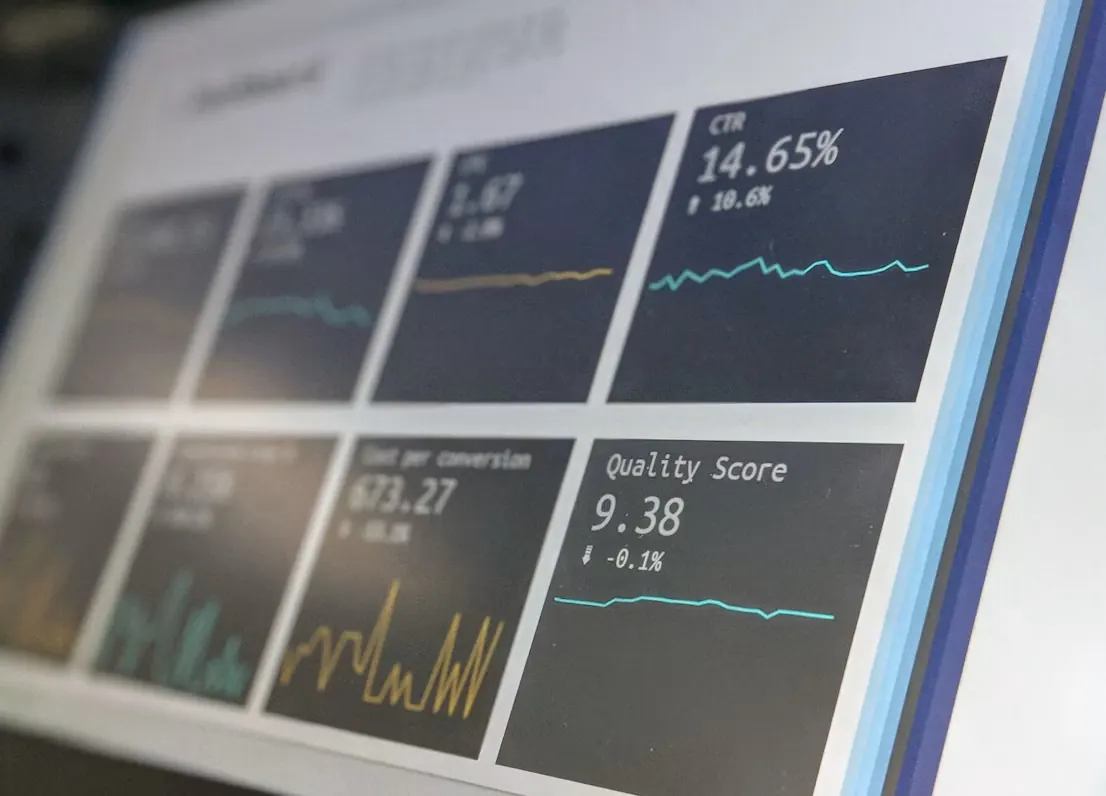
- Map the funnel step by step. In your analytics, look at how many sessions move from product page to cart, cart to checkout start, and through each checkout step to the order confirmation. The step with the steepest drop is your first suspect.
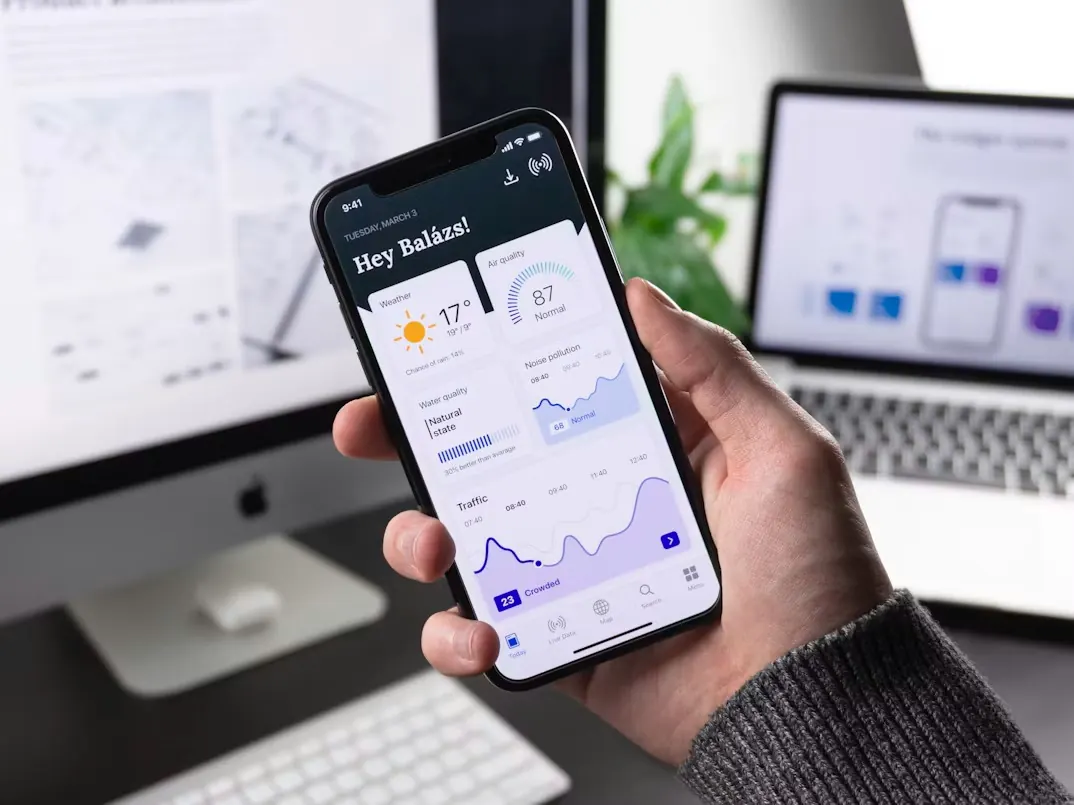
- Split by device. Mobile and desktop often behave very differently. A leak that only appears on mobile usually points to layout, input or payment issues on small screens.
- Read your customer service inbox. Questions about delivery costs, payment failures or whether an order went through are direct evidence of checkout problems.
- Complete a real order yourself, on a phone. Use a new email address, a different country if you sell internationally, and every payment method you offer. Note every moment of hesitation.
- Watch real sessions. Session recording tools, used in line with your privacy obligations, show where people pause, rage-click or go back.
Fixes that usually help
- Show delivery costs and dates on the product page or in the cart, before checkout starts.
- Allow guest checkout and offer account creation after the order.
- Ask only for information you need to fulfil the order, and use address lookup where available.
- Keep the order total visible throughout, especially on mobile.
- Offer the payment methods your markets expect, such as Vipps MobilePay in Denmark or local wallets elsewhere.
- Show clear security cues and your returns policy near the payment step.
- Validate fields as people type, with helpful messages, instead of after submission.
Change one thing at a time where you can, and measure the step it affects. A checkout redesign that changes everything at once makes it hard to know what worked.
Our checkout concept shows how we would apply these ideas to a homeware store, and our Magento and WordPress teams do this work on real stores.