Page speed is a sales feature, not an engineering metric
Slow pages lose people before your message has a chance. Here is what to measure, what usually causes the delay, and what to fix first.
By the Mahnovas Digital studio. Published
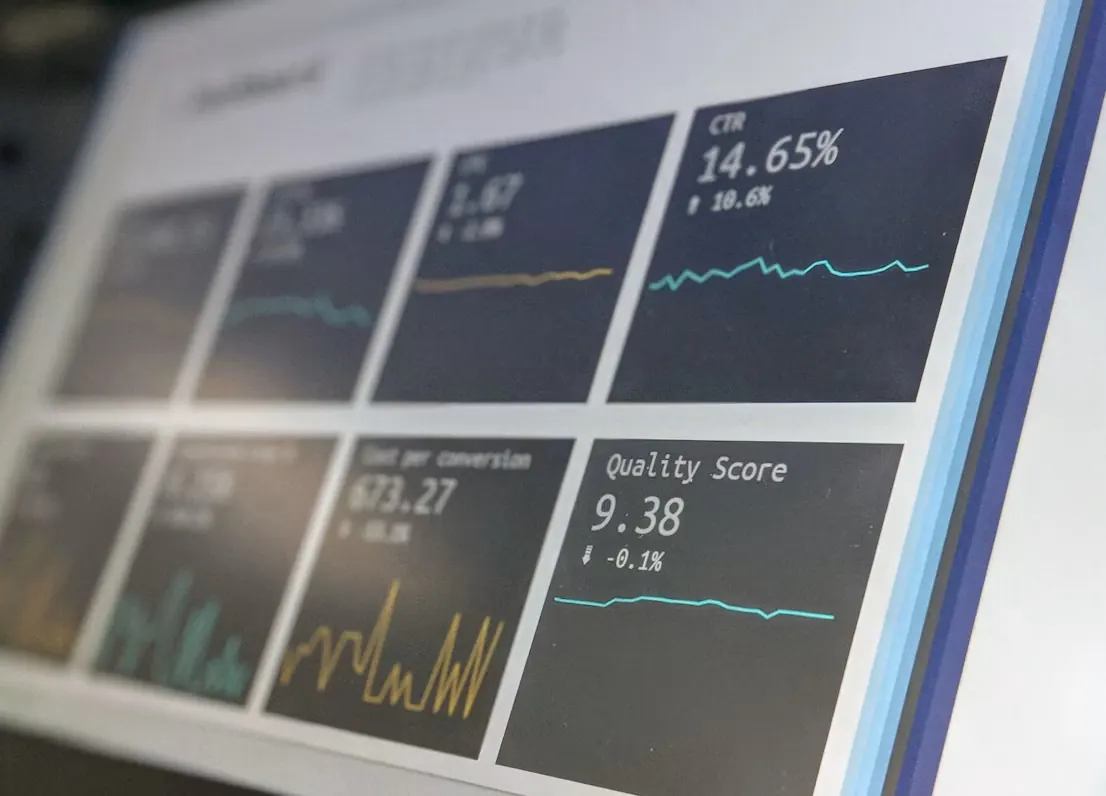
Ask a business owner what their website is for, and the answer is usually about leads, sales or trust. Ask how fast it loads on a phone, and the answer is often a shrug. Speed tends to be treated as a technical detail for developers to worry about. It is not. A page that takes too long to show anything useful is a page many visitors never see.
What "fast" actually means
Google's Core Web Vitals give a useful, public definition. They measure three things that people notice:
- Largest Contentful Paint (LCP): how long it takes for the main content, often the hero image or headline, to appear. Good is 2.5 seconds or less.
- Interaction to Next Paint (INP): how quickly the page responds when someone taps or clicks. Good is 200 milliseconds or less.
- Cumulative Layout Shift (CLS): how much the layout jumps around while loading. Good is 0.1 or less.
The thresholds are assessed at the 75th percentile of real visits, which means three out of four visits need to meet them. That is an important detail: a site can score well on a developer's laptop and still fail for the people using older phones on mobile data.
Why it matters commercially
Speed affects revenue in three direct ways. First, people leave. A visitor who sees a blank screen does not wait to find out how good your offer is. Second, slow interactions make forms and checkouts feel broken, and a buyer who is unsure whether a button worked will often give up. Third, page experience is one of many signals search engines consider, so a slow site makes good content harder to find.
There is also a less obvious effect. Speed is part of how people judge credibility. A fast, stable page feels looked after. A slow one that jumps around feels neglected, even if the business behind it is excellent.
The usual causes
When we audit slow business websites, the same culprits appear again and again:
- A large hero image or video that is not resized or compressed for mobile.
- Sliders and carousels that load every slide before showing the first one.
- Third-party scripts for chat widgets, tracking pixels and embeds, each one adding requests and processing time.
- Web fonts loaded from external services, in several weights nobody uses.
- Page builders and multipurpose themes that load code for every feature on every page.
- Images and embeds without reserved space, which causes the layout to jump as they load.
What to fix first
- Measure real visits, not only lab scores. Search Console's Core Web Vitals report and PageSpeed Insights show field data from real users when there is enough traffic. Start with the templates that matter most: home, key service or product pages, and checkout or contact.
- Fix the largest element. Usually that means serving the hero image in a modern format such as AVIF or WebP, at the right size for each screen, and loading it with high priority instead of lazily.
- Remove scripts that do not earn their place. List every third-party script and ask what decision it informs. Remove the ones nobody can answer for, and delay the rest until after the page is usable.
- Reserve space for media. Set width and height on images and video so the browser can lay out the page before they arrive. This alone often fixes layout shift.
- Self-host and subset fonts. One or two variable font files served from your own domain are usually faster than several weights from an external service, and they avoid sending visitor data to a third party.
How to keep it fast
Most sites are fast on launch day and slow a year later. New plugins, tracking tags and campaign pages add weight gradually. The fix is to treat speed like any other requirement: agree a budget, for example a maximum page weight and a target LCP for key templates, and check it whenever something new is added.
If you only do one thing this month, open PageSpeed Insights for your most important page on mobile and look at what it lists under the largest contentful paint element. It usually points straight at the biggest win.
Speed is not the whole story. A fast page with an unclear message still will not sell. But a slow page never gets the chance to make its case, which is why we treat performance as part of the design, not something to fix after launch. If you want a second opinion on your own site, our website development team can take a look.